
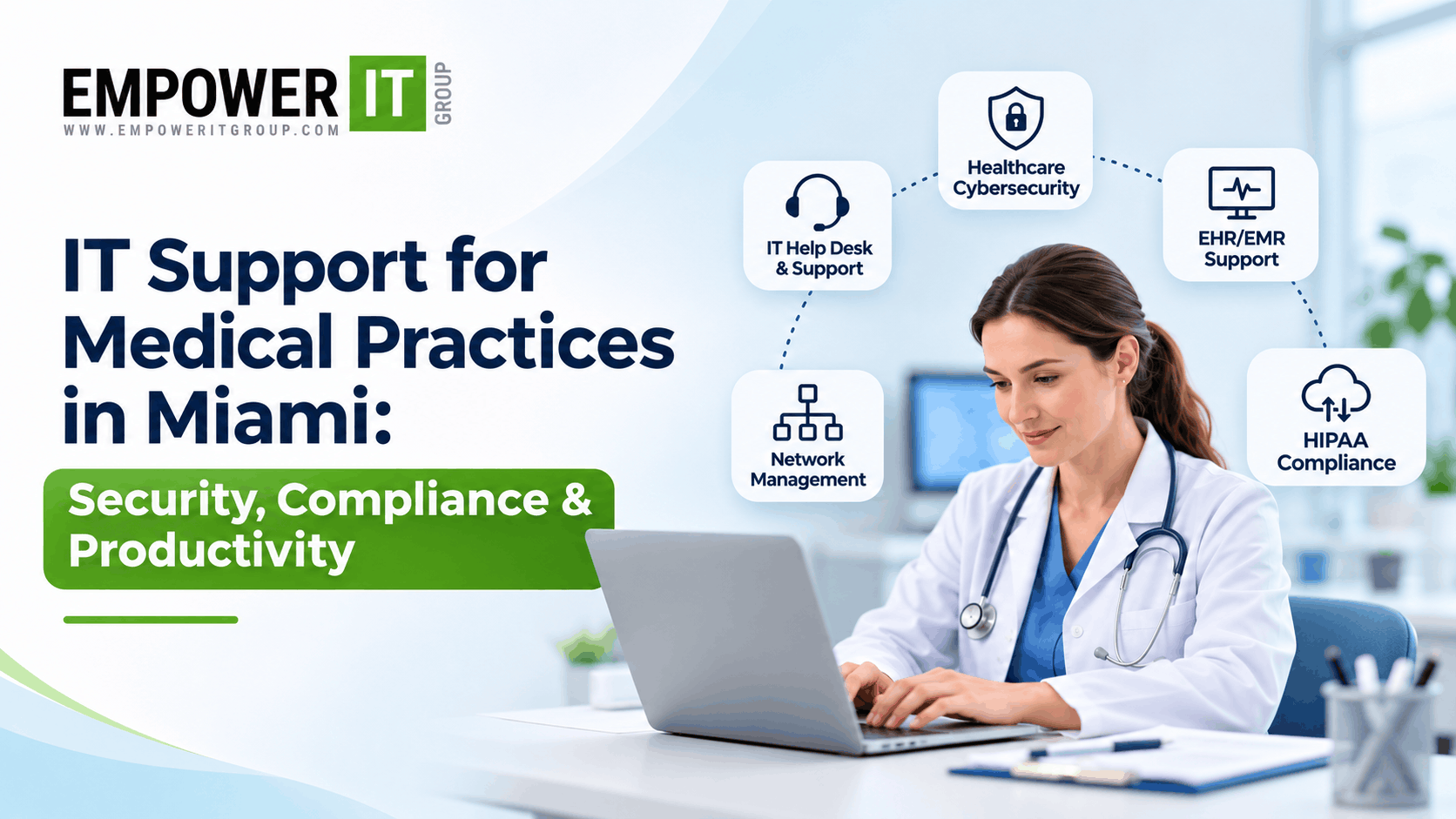
Medical practices in Miami depend on reliable technology to manage patient records, coordinate appointments, communicate with patients, process billing, and support day-to-day clinical operations. From electronic health record (EHR) systems to secure networks and digital communication tools, technology plays an essential role in delivering consistent patient care.
However, managing healthcare technology involves more than keeping computers running. Medical practices must also consider cybersecurity threats, patient data protection, system availability, regulatory responsibilities, and the growing complexity of connected medical systems.
Reliable IT support for medical practices in Miami helps healthcare providers address these challenges through proactive maintenance, technical assistance, security controls, and structured technology management. Instead of responding only when something breaks, a well-planned IT support strategy helps practices identify potential problems, reduce avoidable disruptions, and prepare for future technology needs.
For medical practices across Miami and South Florida, choosing the right IT support partner can make it easier to maintain dependable systems while allowing clinical and administrative teams to focus on their responsibilities.
This guide explains what medical practice IT support includes, why cybersecurity and compliance matter, which services to prioritise, and how to choose an IT provider that understands healthcare environments.
Why Medical Practices in Miami Need Specialised IT Support
Healthcare environments have different technology requirements from many other business settings. A technical problem can affect more than employee productivity; it may interrupt appointment scheduling, delay access to patient records, disrupt billing, or complicate communication between healthcare professionals.
Medical practices may also use a combination of clinical applications, diagnostic equipment, imaging systems, patient portals, billing platforms, and cloud-based services. These systems need to operate reliably while appropriate safeguards protect sensitive information.
Several factors make specialised IT support particularly important for healthcare providers.
Protecting Sensitive Patient Information
Medical practices collect and maintain confidential information, including medical histories, treatment details, contact information, insurance records, and billing data.
Unauthorised access, accidental disclosure, compromised accounts, or poorly secured devices can expose this information to unnecessary risk. Practices therefore need appropriate access controls, secure configurations, employee training, and processes for managing potential security incidents.
Healthcare IT support can help implement and maintain these safeguards according to the practice’s systems and requirements.
Maintaining Access to Clinical Systems
Healthcare professionals need dependable access to the systems they use for patient care and administration. Slow applications, network interruptions, login problems, and server failures can create delays throughout a practice.
A structured IT support arrangement helps identify recurring issues, maintain infrastructure, and establish procedures for responding when essential systems become unavailable.
Supporting Growing Technology Requirements
As a medical practice expands, it may add healthcare professionals, administrative employees, consultation rooms, devices, locations, or digital services.
Each addition can introduce new requirements for user accounts, network capacity, device management, software access, and security.
Professional IT support helps practices manage these changes systematically rather than relying on informal troubleshooting or inconsistent configurations.
What Does IT Support for Medical Practices Include?
Medical practice IT support can cover several connected services. The exact scope depends on the size of the practice, its clinical systems, security requirements, and service agreement.
| IT service | What it supports | Why it matters |
| Healthcare help desk | Technical assistance for staff | Helps resolve everyday IT problems efficiently |
| Network management | Wi-Fi, routers, switches, and connectivity | Supports dependable access to clinical systems |
| EHR and EMR support | Access, connectivity, integrations, and troubleshooting | Helps maintain access to patient information |
| Cybersecurity management | Security monitoring, endpoint protection, and patching | Helps reduce exposure to cyber threats |
| Backup and recovery | Data backup monitoring and restoration planning | Supports recovery from data loss and outages |
| Device management | Computers, laptops, and approved connected devices | Improves consistency and maintenance |
| User access management | Account provisioning, permissions, and account removal | Helps limit inappropriate access |
| Cloud and remote access support | Secure access to approved systems | Supports authorised remote work and access |
| Technology planning | Infrastructure reviews and upgrade recommendations | Aligns IT investments with practice needs |
A comprehensive support arrangement should define which services are included, which are additional, and who is responsible for each part of the practice’s technology environment.
Healthcare Cybersecurity: Protecting Medical Practice Systems
Cybersecurity is a core component of healthcare IT support in Miami because medical practices handle sensitive information and rely on interconnected systems.
Threats can include phishing emails, stolen credentials, ransomware, malicious software, insecure remote access, and unpatched applications. A single compromised account or vulnerable device can create problems beyond the device itself, particularly when systems share data or network access.
An effective cybersecurity approach combines technical safeguards, staff awareness, documented procedures, and ongoing review.
Endpoint Protection and Security Updates
Computers and laptops used by healthcare professionals should have appropriate endpoint security controls and receive security updates according to a defined maintenance process.
Outdated operating systems, unsupported applications, and unpatched vulnerabilities may increase exposure to known threats.
An IT provider can help inventory devices, manage supported configurations, coordinate patching, and investigate suspicious activity. Practices should also establish procedures for devices that cannot be updated immediately because of clinical software or equipment dependencies.
Multi-Factor Authentication and Access Controls
Passwords alone may not provide sufficient protection for accounts that can access sensitive patient information.
Multi-factor authentication adds another verification step when users sign in. Practices should also apply role-appropriate permissions so that employees can access the information and systems necessary for their responsibilities.
Access should be reviewed when employees change roles or leave the organisation. Shared accounts should be avoided where individual accountability is required.
Email and Phishing Protection
Email remains a common channel for fraudulent messages, malicious attachments, and credential theft attempts.
Medical practices can reduce risk through email security controls, spam filtering, appropriate authentication measures, and employee training. Staff should know how to report suspicious messages and what to do if they accidentally click a malicious link or disclose credentials.
Technical controls and clear reporting procedures work best together.
Network Security and Remote Access
Medical practices may operate clinical workstations, administrative computers, printers, wireless networks, and connected equipment. These systems should be organised and secured according to their purpose and risk.
Appropriate network segmentation, secure configuration, firewall management, and controlled remote access can help limit unnecessary connections between systems.
Remote access should use approved methods, strong authentication, and appropriate monitoring. Any access granted to external support providers should also be limited to what is necessary.
HIPAA IT Compliance: What Medical Practices Should Know
Medical practices that qualify as covered entities under the Health Insurance Portability and Accountability Act (HIPAA), along with relevant business associates, must meet applicable requirements for protecting electronic protected health information.
HIPAA-related responsibilities involve more than purchasing security software. They can include administrative, physical, and technical safeguards, risk analysis, workforce procedures, access management, contingency planning, and appropriate documentation.
IT support can help implement and maintain technical controls, but technology services alone do not establish or guarantee HIPAA compliance.
Risk Analysis and Security Risk Management
Practices should assess potential risks to the confidentiality, integrity, and availability of electronic protected health information.
A security risk analysis considers the systems that create, receive, maintain, or transmit the information, the threats and vulnerabilities affecting those systems, and the measures needed to address identified risks.
An IT provider may help document the technology environment, identify weaknesses, assess security configurations, and recommend remediation steps. The practice remains responsible for ensuring that its broader compliance programme meets its applicable obligations.
Access Management and Audit Controls
Appropriate access controls help ensure that only authorised individuals can access sensitive information.
Depending on the systems involved, relevant measures may include unique user identification, role-based permissions, authentication controls, audit logging, and periodic access reviews.
Practices should understand which systems record user activity, how logs are reviewed, and how access is removed when no longer required.
Backup and Contingency Planning
Medical practices need to consider how they would maintain or restore access to essential information following a system failure, cyber incident, or other disruption.
A contingency plan should identify critical systems, backup arrangements, recovery responsibilities, and procedures for restoring operations.
HIPAA’s Security Rule includes contingency planning requirements for applicable entities. The appropriate technical arrangements depend on the organisation’s systems and risk analysis.
Practices should confirm that backups are monitored, protected against unauthorised changes, and tested through restoration exercises.
Business Associate Responsibilities
When an external IT provider handles electronic protected health information on behalf of a regulated healthcare organisation, the relationship may involve business associate obligations under HIPAA.
Depending on the arrangement, an appropriate business associate agreement may be required. Practices should evaluate the provider’s actual access to protected information, contractual responsibilities, security practices, and incident reporting procedures.
Do not assume that every IT provider automatically meets all applicable obligations simply because it offers healthcare IT services.
EHR and EMR IT Support for Medical Practices
Electronic health record and electronic medical record systems are central to many modern healthcare workflows. They may support documentation, patient histories, prescriptions, scheduling, billing, reporting, and communication between authorised healthcare professionals.
When these systems become unavailable or perform poorly, the effects can extend across the entire practice.
Professional EHR and EMR IT support can help address technical issues involving connectivity, workstation configuration, user access, approved integrations, and network performance.
Common EHR and EMR Problems
Medical practices may experience slow loading times, intermittent disconnections, login failures, printing problems, access permission errors, or difficulties connecting related applications.
The source of the problem may be the local network, workstation, server, cloud service, identity configuration, or the application itself.
A structured troubleshooting process helps distinguish infrastructure problems from application-specific issues and directs incidents to the appropriate support team.
Supporting EHR Availability
Practices should identify the clinical systems that are essential to daily operations and understand how support is provided when those systems become unavailable.
This includes documenting escalation procedures, vendor dependencies, recovery arrangements, and temporary workflows that have been approved by the practice.
An IT provider should clarify whether it supports the EHR application’s internal configuration or primarily manages the infrastructure and connectivity surrounding it.
Clear responsibility boundaries reduce confusion when a problem requires multiple parties to resolve.
Integrations and System Changes
Medical practices may rely on connections between clinical applications, billing systems, diagnostic equipment, patient communication tools, and reporting platforms.
Changes to networks, devices, software versions, or permissions can affect these integrations.
Before making significant changes, practices should assess dependencies, test where appropriate, document configurations, and establish a rollback plan. Changes involving clinical applications or connected medical equipment may require coordination with the relevant application or equipment provider.
How Managed IT Services Improve Medical Practice Productivity
Managed IT services provide ongoing support and maintenance for an agreed scope of technology services. For medical practices, the objective is to reduce avoidable technical disruption while keeping systems aligned with operational and security requirements.
Faster, More Organised Technical Support
When employees experience a technical issue, they need a clear way to request assistance and understand the next steps.
A structured help desk process can record incidents, assign priorities, track progress, and identify recurring problems. Defined escalation procedures are particularly important when an issue affects clinical applications or multiple users.
Practices should review support hours, response targets, escalation paths, and any after-hours coverage before signing an agreement.
Proactive Maintenance
Regular maintenance can help identify outdated software, failing hardware, storage limitations, and configuration problems before they cause major disruption.
Managed IT services may include monitoring, patch management, scheduled maintenance, and recurring system reviews.
Proactive maintenance cannot prevent every incident, but it can reduce certain avoidable failures and improve visibility into the technology environment.
More Efficient Employee Onboarding and Offboarding
When a practice hires a healthcare professional or administrative employee, the individual may require approved access to devices, email, clinical systems, and other applications.
A documented onboarding process helps ensure that the necessary accounts, permissions, and devices are prepared consistently.
When an employee leaves, access should be removed promptly according to the practice’s procedures. This helps reduce unnecessary account exposure and improves administrative control.
Better Technology Planning
A managed IT provider can help identify ageing equipment, unsupported systems, capacity limitations, and opportunities to improve reliability.
Regular reviews also help practices plan technology expenses and avoid making every purchase in response to an emergency.
Technology recommendations should consider clinical workflows, security requirements, budget, compatibility, and the expected useful life of existing systems.
How to Choose a Medical Practice IT Support Provider in Miami
Selecting an IT provider involves more than comparing monthly fees. Medical practices should look for a partner that can support their technical environment and understand the importance of protecting sensitive information.
1. Evaluate Healthcare Experience
Ask about the provider’s experience supporting medical practices and healthcare technology environments. Request examples of relevant capabilities, support processes, and experience managing systems similar to yours.
Healthcare experience is valuable because clinical systems, patient data, and operational continuity can create requirements that differ from ordinary office IT.
2. Review Cybersecurity Capabilities
Ask which security services are included, how devices are monitored, how patches are managed, and how incidents are escalated.
Clarify whether security monitoring is continuous or limited to specific hours. Confirm who investigates alerts, who is responsible for incident response, and whether specialist services are provided directly or through another provider.
3. Confirm HIPAA-Related Responsibilities
Discuss the provider’s role in supporting applicable safeguards and documenting security measures. Review contractual obligations, relevant business associate arrangements, incident notification procedures, and the division of responsibilities between the practice and provider.
Avoid relying on broad claims of guaranteed compliance. The practice needs a clear understanding of what the provider does and what remains its responsibility.
4. Understand Response Times and Availability
Determine how support requests are prioritised and whether critical incidents receive different treatment from routine requests.
Ask whether support is available outside normal business hours and what happens when an issue affects EHR access or multiple clinical workstations.
A response target should be clearly defined and distinguished from a guarantee that the issue will be resolved within the same period.
5. Compare the Full Service Scope
Review the proposed services, onboarding process, monitoring coverage, backup responsibilities, security tools, project fees, hardware costs, and contract terms.
A lower monthly fee may exclude services that your practice needs. A detailed comparison makes it easier to evaluate the total cost and suitability of each option.
Why Medical Practices in Miami Choose Empower IT Group
Empower IT Group supports organisations looking to improve technology management, system reliability, and cybersecurity through a structured IT support approach.
For medical practices in Miami and South Florida, the right support strategy should reflect the practice’s clinical systems, staff requirements, security risks, and operational priorities.
An assessment can help identify recurring IT problems, review device and network management, evaluate access controls, examine backup arrangements, and determine where additional support may be beneficial.
The appropriate service plan will depend on the practice’s infrastructure and requirements. Medical practices should establish clear expectations for support coverage, security responsibilities, incident escalation, and ongoing reporting before entering an agreement.
By aligning IT support with clinical workflows and operational needs, practices can make more informed technology decisions and build a more dependable foundation for daily operations.
Conclusion
Reliable IT support is essential for medical practices that depend on digital systems to coordinate patient care, manage records, and maintain daily operations. As technology requirements grow, healthcare providers need an approach that combines technical support, cybersecurity, maintenance, and appropriate recovery planning.
For medical practices in Miami, the right IT support arrangement can help reduce avoidable disruptions, strengthen technology management, and support the protection of sensitive patient information.
The best approach starts with understanding your current infrastructure, identifying security and operational gaps, and defining clear expectations for ongoing support.
Empower IT Group can help your medical practice assess its IT needs and identify practical ways to improve technology reliability, security, and support.
Frequently Asked Questions
1. What is included in IT support for medical practices in Miami?
Medical practice IT support may include help desk assistance, network management, computer and device maintenance, EHR and EMR troubleshooting, cybersecurity, backup monitoring, user access management, and technology planning. The exact services depend on the provider’s agreement and the practice’s requirements.
2. Why do medical practices need specialised IT support?
Medical practices rely on clinical systems and handle sensitive patient information. Specialised IT support helps manage technology reliability, protect data, maintain access controls, support clinical applications, and prepare for system disruptions.
3. How does healthcare IT support help with HIPAA requirements?
An IT provider can help implement technical safeguards, manage access, maintain security configurations, support risk assessments, and assist with backup and recovery planning. However, HIPAA compliance involves broader organisational responsibilities, and an IT support agreement alone does not guarantee compliance.
4. Can an IT provider support EHR and EMR systems?
Yes, depending on the systems and service scope. Support may include workstation configuration, connectivity troubleshooting, user access, network performance, and coordination with the clinical software provider. Confirm whether the IT provider supports the application itself or only its surrounding infrastructure.
5. What is the difference between break-fix and managed IT support for a medical practice?
Break-fix support generally responds to problems after they occur. Managed IT support provides ongoing services under an agreed arrangement, which may include monitoring, maintenance, help desk support, and cybersecurity management. Managed services can help practices take a more proactive approach to technology.
6. How can medical practices reduce IT downtime?
Practices can reduce avoidable downtime through preventive maintenance, supported software, appropriate monitoring, secure configuration, tested backups, documented recovery procedures, and clear incident escalation. No approach can eliminate every outage, so continuity planning remains important.
7. Should a medical practice have 24/7 IT support?
The appropriate support hours depend on the practice’s operating schedule, reliance on digital systems, risk profile, and recovery requirements. Practices with extended hours or systems that require rapid incident response may benefit from after-hours coverage. Review exactly which systems and incidents are covered.
8. How should a medical practice choose an IT support company in Miami?
Evaluate healthcare experience, cybersecurity capabilities, HIPAA-related responsibilities, support response targets, EHR support arrangements, backup and recovery procedures, pricing transparency, and contract terms. Choose a provider whose documented services align with the practice’s actual needs.
9. Is managed IT support suitable for a small medical practice?
Managed IT can be suitable for a small practice that needs ongoing technical assistance, maintenance, security management, and access to specialist expertise without building a large internal IT team. The service scope should match the practice’s size, systems, budget, and operational risks.
10. How often should a medical practice review its IT security?
Practices should conduct risk assessments and review security controls according to their applicable obligations, risk profile, and operational changes. Reviews should also follow significant incidents, major system changes, or the identification of important vulnerabilities. Routine monitoring and maintenance should continue between formal assessments.