Technology has become a core part of how businesses operate. Employees depend on computers, cloud applications, networks, cybersecurity tools, communication platforms, and business software to complete everyday work. As technology becomes more important, businesses also need to decide how their IT environment should be managed.
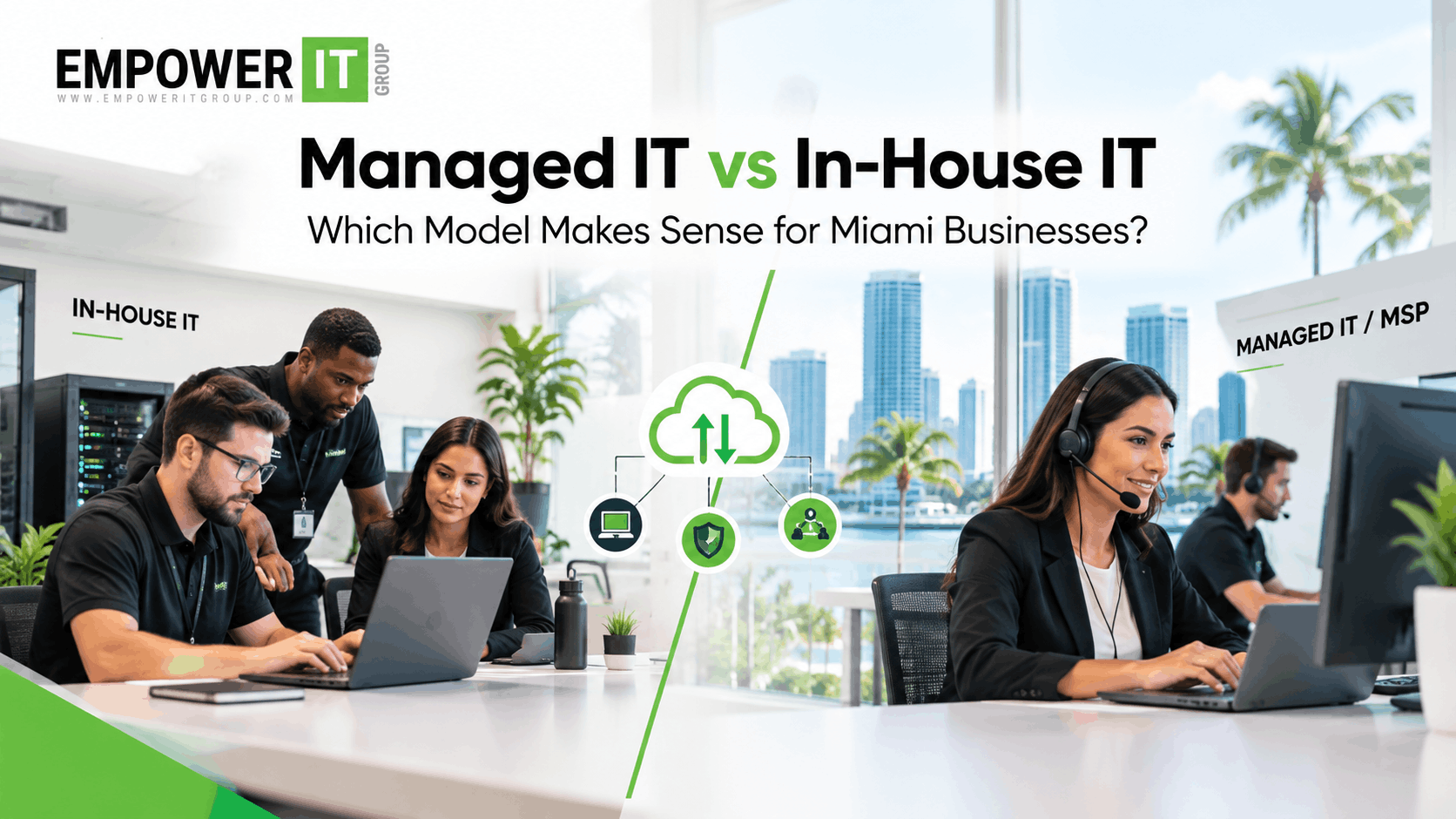
For many Miami businesses, the decision comes down to managed IT vs in house IT.
Should the company hire and maintain its own internal IT team, or should it work with an external managed service provider? Some businesses also choose a hybrid approach that combines internal IT employees with an MSP.
There is no universal model that fits every organisation. The right approach depends on company size, technology complexity, security requirements, budget, internal expertise, growth plans, and the level of support required.
This guide compares managed IT and in-house IT, explains the differences between outsourced IT Miami businesses can use and internal IT teams, and examines the practical considerations behind an MSP vs internal IT decision.
What Is Managed IT?
Managed IT is an ongoing technology management model in which an external managed service provider, or MSP, handles some or all of a company’s IT requirements.
Depending on the agreement, managed IT services can include:
- Help desk support
- Network management
- Endpoint management
- Server management
- Cloud administration
- Microsoft 365 support
- Cybersecurity
- Backup and disaster recovery
- Patch management
- User management
- IT monitoring
- Vendor management
- IT strategy
- Technology planning
The scope depends on the provider and service agreement.
Instead of hiring employees for every IT function, a business works with an external provider that supplies the agreed services.
What Is In-House IT?
An in-house IT model means the business directly employs its own IT professionals.
The team may include:
- IT managers
- System administrators
- Network engineers
- Help desk technicians
- Cybersecurity specialists
- Cloud administrators
- IT support specialists
The size of the internal team depends on the organisation’s requirements.
A small company may have one generalist IT employee, while a larger organisation may operate a specialised IT department with multiple teams.
Managed IT vs In House IT: Key Differences
The biggest difference is who is responsible for managing the company’s technology.
| Managed IT | In-House IT |
| External MSP manages agreed services | Company employs IT staff |
| Predictable service agreement | Employee compensation and operating costs |
| Access to a broader range of expertise | Direct control over internal resources |
| Provider manages defined responsibilities | Organisation manages team directly |
| Can scale services as requirements change | Hiring may be needed as requirements grow |
| External partner handles support | Internal team handles support |
| IT strategy may be included | Internal team owns technology strategy |
Neither model is automatically appropriate for every business.
The decision should be based on the organisation’s actual technology requirements.
What Does In-House IT Cost?
The cost of an internal IT department involves more than employee salaries.
Businesses may need to account for:
- Salaries
- Benefits
- Recruitment
- Training
- Certifications
- IT management tools
- Security software
- Backup platforms
- Monitoring systems
- Hardware
- Software licences
- Employee turnover
- Professional development
A business that requires specialised expertise may need several employees to cover different technology areas.
For example, network management, cloud administration, cybersecurity, and help desk support may require different skill sets.
This can make the total cost of maintaining a fully staffed IT department significant.
What Does Managed IT Cost?
Managed IT services are usually structured around a recurring service agreement.
Pricing can be based on:
- Number of users
- Number of devices
- Service scope
- Support requirements
- Cybersecurity services
- Infrastructure
- Locations
- Cloud environment
Some providers use per-user pricing, while others use per-device, fixed monthly, or customised pricing models.
The advantage of a recurring agreement is that businesses can often forecast their IT service costs more easily.
However, businesses should carefully review what is included and which services incur additional fees.
Advantages of Managed IT
Access to Broader Expertise
An MSP may have professionals with different areas of expertise.
For example, a provider may have access to specialists in:
- Cybersecurity
- Cloud infrastructure
- Networks
- Microsoft 365
- Backup
- Systems administration
A small internal IT team may not have dedicated specialists in every area.
Predictable IT Management
A managed service agreement can make ongoing IT expenses easier to forecast.
Instead of hiring additional employees whenever a new technology requirement appears, businesses may be able to add services through their existing provider.
Proactive Monitoring
Managed IT providers often monitor systems continuously or during defined service hours.
Proactive monitoring can help identify:
- System failures
- Performance problems
- Storage issues
- Security alerts
- Device problems
- Backup failures
This allows potential issues to be addressed before they become major operational problems.
Scalability
Businesses change over time.
They may add employees, locations, devices, cloud applications, and technology systems.
A managed IT provider can often scale services as the business grows without requiring the company to recruit a specialist for every new requirement.
Cybersecurity Support
Cybersecurity can be challenging for smaller internal IT teams because security requires specialised knowledge and ongoing monitoring.
An MSP can provide access to services such as:
- Endpoint security
- Email protection
- MFA
- Vulnerability management
- Security monitoring
- Firewall management
- Security awareness
- Incident response planning
The exact capabilities depend on the provider.
Advantages of In-House IT
Direct Control
An internal IT team works directly within the organisation.
Employees may have a deeper understanding of internal processes, applications, departments, and business priorities.
Immediate Internal Communication
Employees can communicate directly with their IT colleagues.
This can be particularly useful when IT decisions are closely connected to business operations.
Organisation-Specific Knowledge
An internal team can build extensive knowledge of:
- Business workflows
- Internal applications
- Infrastructure
- Employees
- Technology history
- Internal processes
This knowledge can be valuable when troubleshooting complex internal systems.
Dedicated Focus
An internal team can focus exclusively on the organisation.
Depending on the company’s size and IT structure, employees may be dedicated to specific technology projects or departments.
Limitations of In-House IT
Maintaining an internal IT team also introduces challenges.
Recruitment
Finding experienced IT professionals can take time.
Specialised positions can be particularly difficult to fill.
Staff Coverage
A small IT team may have limited availability when an employee is sick, on leave, or unavailable.
Businesses may need additional staffing to provide extended or 24/7 support.
Skills Gaps
Technology environments increasingly require expertise in areas such as:
- Cloud
- Cybersecurity
- Identity management
- Networking
- Data protection
- Automation
One or two internal employees may not have deep expertise across every area.
Training Requirements
Technology changes constantly.
Internal employees need ongoing training and professional development to maintain relevant skills.
Employee Turnover
When an experienced IT employee leaves, the organisation may lose valuable institutional knowledge.
Recruiting a replacement can take time.
What Is Outsourced IT in Miami?
Outsourced IT Miami refers to technology support and management provided by an external IT company rather than entirely by an internal IT department.
Outsourcing can involve:
- Full IT management
- Help desk support
- Cybersecurity
- Cloud management
- Network management
- Backup
- IT consulting
- Specific specialised services
The organisation determines which responsibilities remain internal and which are outsourced.
This makes outsourced IT different from simply “giving away” the entire IT function.
Businesses can choose the scope that fits their needs.
MSP vs Internal IT: Which Model Is More Flexible?
The answer depends on how the organisation structures its technology operations.
An MSP can make it easier to add specialised services without hiring new employees.
For example, a business might need cybersecurity monitoring but not have enough internal workload to justify hiring a dedicated security specialist.
An MSP may provide that capability as part of an existing service agreement.
An internal IT department, however, gives the organisation direct control over staffing and priorities.
Larger businesses with complex technology environments may therefore maintain substantial internal IT teams while using MSPs for specific specialised requirements.
Hybrid IT: A Third Option
Businesses do not necessarily have to choose completely managed IT or completely internal IT.
A hybrid model combines the two.
For example:
Internal IT Team
- Daily employee support
- Business application management
- Internal technology projects
- User relationships
MSP
- Cybersecurity
- Network monitoring
- Cloud expertise
- Backup management
- After-hours support
- Strategic IT consulting
This is often referred to as co-managed IT.
A hybrid model can provide internal control while giving the business access to external expertise.
When Managed IT May Make Sense
Managed IT may be worth considering when a business:
- Has a small IT team
- Does not have dedicated cybersecurity expertise
- Wants predictable IT costs
- Needs proactive monitoring
- Requires broader technical expertise
- Wants scalable support
- Needs extended support coverage
- Is growing rapidly
- Wants to reduce internal IT workload
For example, a 50-person company may not need full-time specialists in networking, cybersecurity, cloud infrastructure, and disaster recovery.
An MSP can provide access to these capabilities without requiring the company to build every function internally.
When In-House IT May Make Sense
An internal IT model may be appropriate when a business:
- Has complex internal systems
- Requires highly specialised technology knowledge
- Needs dedicated internal resources
- Has sufficient IT workload to justify a larger team
- Requires extensive internal technology development
- Needs close coordination between IT and business departments
Large organisations often have enough scale to support specialised internal IT teams.
When a Hybrid Model May Make Sense
A hybrid model may be useful when:
- The company already has internal IT staff
- The internal team has capacity limitations
- Cybersecurity requires additional expertise
- The organisation needs 24/7 monitoring
- Specialised cloud skills are required
- The company wants external strategic guidance
The MSP can supplement the internal team rather than replace it.
Questions to Ask Before Choosing an IT Model
Before deciding between managed IT vs in house IT, ask:
How large is our organisation?
The number of employees and devices affects the level of IT support required.
How complex is our technology environment?
A business using multiple cloud platforms, servers, locations, and specialised applications may need broader expertise.
What cybersecurity capabilities do we have?
Evaluate whether internal employees can manage security monitoring, vulnerability management, incident response, and other requirements.
Do we need 24/7 support?
If yes, determine whether the internal team can provide the required coverage.
What is the total cost?
Compare the full cost of salaries, benefits, tools, training, software, and management against an MSP’s service agreement.
How quickly are we growing?
A rapidly growing business may need an IT model that can scale without lengthy recruitment cycles.
What expertise will we need?
List the skills required over the next two to three years rather than only looking at today’s requirements.
How to Compare Managed IT and In-House IT Costs
Businesses should compare total cost rather than one line item.
For an internal team, calculate:
Employees + Benefits + Recruitment + Training + Tools + Security + Infrastructure + Management
For managed IT:
MSP Service Fees + Additional Services + Licences + Hardware + Projects
The comparison should also consider service coverage.
For example, an MSP agreement may include monitoring, help desk support, security tools, backup management, and strategic IT services that would require multiple internal resources to replicate.
What Should Miami Businesses Consider?
Miami businesses operate across many industries, including healthcare, professional services, finance, hospitality, retail, construction, and technology.
Each industry can have different technology and security requirements.
Businesses should consider:
- Number of locations
- Remote workforce
- Cloud usage
- Cybersecurity requirements
- Compliance requirements
- Industry-specific applications
- Disaster recovery requirements
- Growth plans
The right IT model should support the organisation’s operational requirements rather than follow a one-size-fits-all formula.
How Empower IT Group Can Support Miami Businesses
Businesses evaluating managed IT vs in house IT do not necessarily need to make the decision in isolation.
Empower IT Group provides managed IT and cybersecurity services that can support businesses with technology management, infrastructure, security, monitoring, cloud services, backup, and ongoing IT requirements.
For businesses considering outsourced IT Miami, the appropriate service model can depend on the organisation’s existing IT resources.
Empower IT Group can support businesses through:
- Managed IT services
- IT support
- Network management
- Cybersecurity
- Cloud support
- Endpoint management
- Backup and disaster recovery
- Proactive monitoring
- Technology planning
Businesses with internal IT teams can also consider a co-managed approach where an MSP supplements existing internal capabilities.
Frequently Asked Questions
What is the difference between managed IT and in-house IT?
Managed IT uses an external provider to manage agreed IT services, while in-house IT uses employees who work directly for the organisation. Both models can be effective depending on business requirements.
Is managed IT cheaper than in-house IT?
There is no universal answer. The comparison should include salaries, benefits, recruitment, training, technology tools, security platforms, infrastructure, and management for internal IT, alongside the complete scope and additional costs of an MSP agreement.
What does outsourced IT in Miami mean?
Outsourced IT Miami refers to IT services provided by an external company. Businesses can outsource all or part of their IT responsibilities depending on their requirements.
What is MSP vs internal IT?
MSP vs internal IT compares an external managed service provider with an organisation’s own IT employees. The key differences involve staffing, expertise, control, cost structure, scalability, and responsibility for technology management.
Can a company use both an MSP and an internal IT team?
Yes. A hybrid or co-managed IT model allows internal employees and an MSP to share responsibilities. For example, internal IT may handle daily support while an MSP provides cybersecurity, monitoring, cloud expertise, or after-hours coverage.
When should a small business consider managed IT?
A small business may consider managed IT when it lacks specialised IT expertise, needs proactive monitoring, wants broader cybersecurity capabilities, requires scalable support, or does not want to build a larger internal IT department.
When does in-house IT make sense?
In-house IT can make sense when an organisation has sufficient scale and workload to support dedicated technology employees and needs close internal control over its technology environment.
Does an MSP replace an internal IT department?
Not necessarily. An MSP can completely manage IT for some businesses or supplement an existing internal team through a co-managed arrangement.
Can managed IT support cybersecurity?
Yes. Depending on the provider and agreement, managed IT services can include endpoint protection, MFA, security monitoring, vulnerability management, firewall management, backup, and other cybersecurity services.
How should a Miami business choose between managed and in-house IT?
Start by assessing the organisation’s size, technology complexity, security requirements, existing IT expertise, support needs, growth plans, and total cost. Then compare fully managed, internal, and hybrid models.
Conclusion
The decision between managed IT vs in house IT is not simply a question of whether an organisation should hire employees or outsource technology.
Businesses should consider the full picture: cost, expertise, cybersecurity, support availability, scalability, technology complexity, internal resources, and long-term business requirements.
An internal IT team can provide direct organisational knowledge and control. A managed service provider can provide broader expertise, proactive monitoring, scalable support, and access to specialised capabilities. A hybrid model can combine the advantages of both approaches.
For Miami businesses evaluating outsourced IT Miami, the right approach begins with a clear assessment of current IT resources and future requirements.
Empower IT Group can help businesses evaluate their technology environment and determine an IT management approach that aligns with their operational, security, and growth needs.