

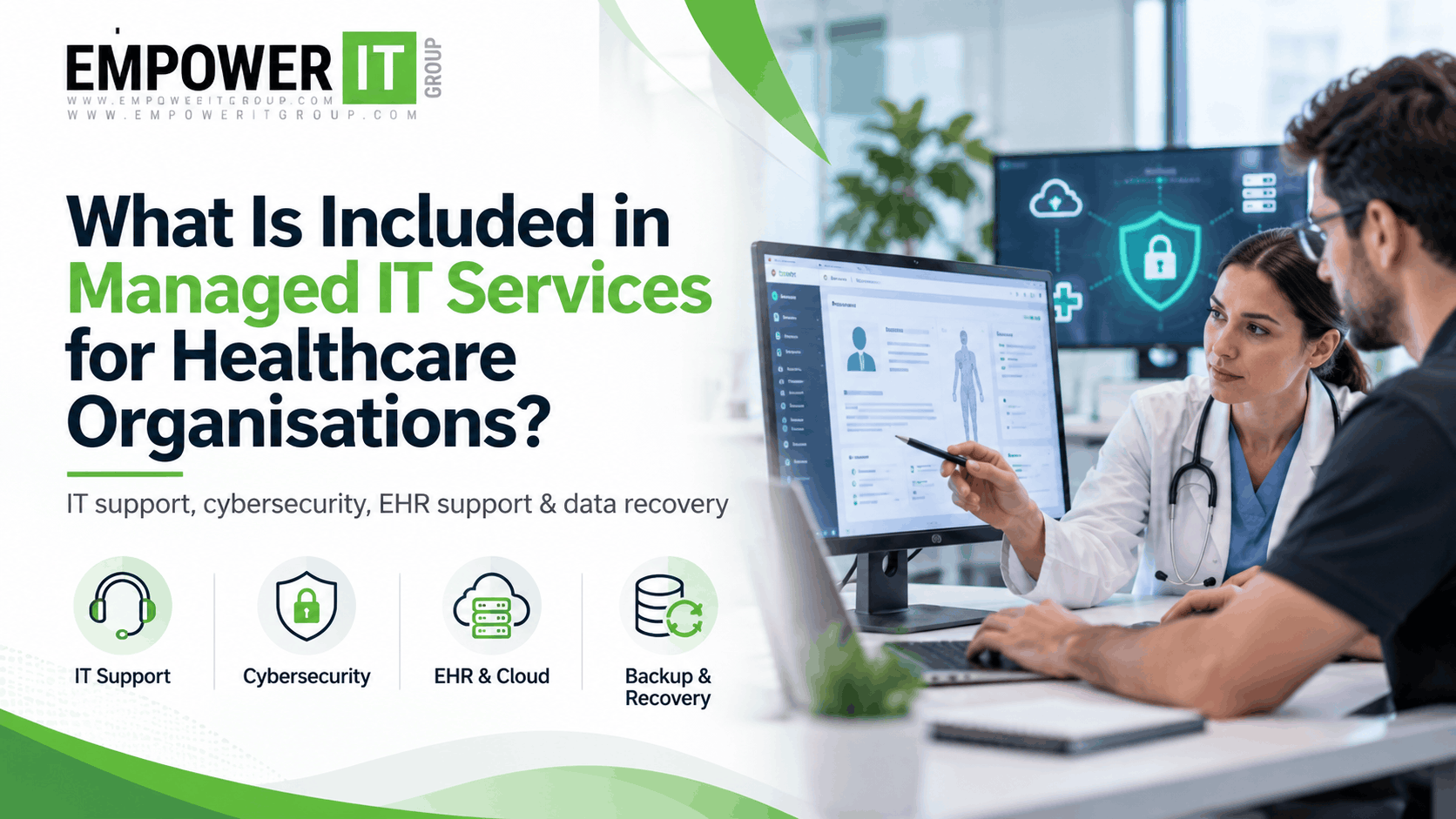
Healthcare organisations depend on reliable technology to manage patient information, coordinate clinical teams, maintain appointments, support electronic health records and protect sensitive data. When IT systems experience downtime or security issues, the impact can extend beyond productivity to patient communication, clinical workflows and business continuity.
This is why many medical practices, outpatient clinics and other healthcare providers consider managed IT services for healthcare instead of relying solely on reactive, break-fix IT support.
Managed IT services provide ongoing technology management, maintenance, monitoring and support through an agreed service arrangement. However, the exact services included vary by provider, contract, infrastructure and the needs of the healthcare organisation.
For medical practices in Miami and across South Florida, understanding these services can help decision-makers choose an IT support model that fits their operational requirements, security risks and growth plans.
What Are Managed IT Services for Healthcare?
Managed IT services for healthcare involve the ongoing management and support of the technology used by medical practices and healthcare organisations. Rather than waiting for computers, networks or applications to fail, a managed service provider proactively monitors systems, maintains infrastructure, responds to support requests and helps manage technology risks.
Depending on the agreement, managed IT support for medical practices may include help desk assistance, network management, cybersecurity, cloud services, data backup, disaster recovery, endpoint management and support for electronic health record systems.
The goal is to make healthcare technology more reliable, secure and manageable while allowing clinical and administrative teams to focus on their responsibilities.
A healthcare-focused managed IT arrangement should also account for the operational realities of medical environments, including sensitive patient information, connected medical devices, third-party healthcare applications and the need to minimise disruption during clinical hours.
What Is Included in Managed IT Services for Healthcare Organisations?
The services included depend on the provider’s scope of work. The following are common components that healthcare organisations should evaluate when comparing managed IT support options.
1. IT Help Desk and Technical Support
IT help desk support gives employees a defined channel for reporting technical issues and requesting assistance. This can be particularly important in medical environments where technology problems can delay routine administrative tasks or interrupt patient-facing workflows.
Typical support activities include:
- Troubleshooting computer, printer and workstation issues.
- Resolving login, password and account access problems.
- Supporting email, calendars and business applications.
- Helping employees resolve connectivity and software issues.
- Escalating complex incidents to the appropriate technical specialist.
- Providing remote support and, when included, on-site assistance.
For example, if a medical assistant cannot access a workstation or an administrator encounters an application error while checking appointments, the support team can investigate and help restore normal operations.
When evaluating a provider, healthcare organisations should confirm the available support hours, response targets, escalation process, remote support arrangements and whether on-site visits are included.
2. Network Management and Monitoring
A dependable network connects workstations, servers, cloud applications, printers, wireless devices and other systems used throughout a medical facility. Network problems can affect multiple departments at once.
Managed network services commonly include monitoring, configuration management, troubleshooting and routine maintenance of network infrastructure.
Depending on the agreement, this may cover:
- Routers, switches and firewalls.
- Wired and wireless network connectivity.
- Secure Wi-Fi configuration.
- Network performance monitoring.
- Firmware and configuration maintenance.
- Network segmentation and access controls.
- Troubleshooting connectivity and performance problems.
Healthcare organisations may also need to separate guest Wi-Fi, administrative systems and clinical devices where appropriate. Network segmentation can help limit unnecessary access between systems and reduce the potential impact of a compromised device.
The provider should document the network environment and explain how outages, suspicious activity and performance issues are identified and escalated.
3. Healthcare Cybersecurity Services
Cybersecurity is a critical consideration when selecting managed IT services for healthcare. Medical practices handle sensitive information and rely on systems that must remain available to support daily operations.
Healthcare cybersecurity services may include several layers of protection rather than a single security product.
Common services include:
- Endpoint protection and threat detection.
- Firewall management.
- Email security and phishing protection.
- Multi-factor authentication implementation.
- User access management.
- Security patching and vulnerability remediation.
- Security event monitoring and incident escalation.
- Security awareness training coordination.
- Review of security configurations and policies.
The exact coverage varies between providers. For example, basic endpoint protection is not the same as continuous security operations monitoring, and a standard IT help desk does not necessarily provide 24/7 security incident response.
Healthcare organisations should ask whether security monitoring operates around the clock, which systems are covered, who investigates alerts and what happens when a serious threat is detected.
No managed service can eliminate every cyber risk. Effective protection requires suitable technology, documented procedures, employee awareness and ongoing risk management.
4. HIPAA-Related IT Security and Compliance Support
Healthcare organisations subject to the Health Insurance Portability and Accountability Act (HIPAA) need appropriate safeguards for protected health information (PHI). Managed IT providers may help implement and maintain technical controls that support an organisation’s security and compliance programme.
Depending on the engagement, this support may include:
- User access controls and account management.
- Audit logging and monitoring configurations.
- Encryption capabilities and secure data transmission.
- Backup and recovery arrangements.
- Security patching and vulnerability management.
- Assistance with technical documentation.
- Support for security risk assessments.
- Technical recommendations following identified weaknesses.
It is important to distinguish technical support for HIPAA safeguards from a guarantee of HIPAA compliance. A provider cannot make an organisation compliant simply by supplying IT services. The healthcare organisation remains responsible for its applicable obligations, policies, risk management and oversight.
Where a managed IT provider creates, receives, maintains or transmits electronic protected health information on behalf of a covered entity, or performs relevant functions for a business associate, the parties should assess applicable HIPAA business associate requirements. A business associate agreement may be required, depending on the relationship and services provided.
Healthcare organisations should clarify responsibilities, contractual safeguards, incident notification procedures and the handling of patient information before sharing access or data with a provider.
5. Electronic Health Record (EHR) and Medical Software Support
Electronic health record systems and other clinical applications are central to many healthcare workflows. However, support responsibilities can be divided between the managed IT provider, software vendor and healthcare organisation.
Managed IT support may include assistance with the technology surrounding an EHR or electronic medical record (EMR) system, such as workstation configuration, connectivity, user access, compatible devices and network performance.
Potential services include:
- Troubleshooting access and connectivity problems.
- Supporting compatible workstations and peripherals.
- Coordinating with EHR vendors during technical incidents.
- Managing supported operating systems and software updates.
- Reviewing network performance affecting clinical applications.
- Supporting secure remote access where appropriate.
The provider may not be responsible for application-specific configuration, clinical workflow design, billing rules or vendor-controlled software issues. These responsibilities should be established before the agreement begins.
For a medical practice, it is useful to understand who owns each part of the troubleshooting process and how urgent EHR problems are escalated.
6. Data Backup and Disaster Recovery
Data loss, ransomware, hardware failures and accidental deletion can disrupt healthcare operations. Backup and disaster recovery services help organisations prepare for these events and restore important systems when needed.
Depending on the service agreement, backup and recovery may include:
- Automated backups of covered systems and data.
- Monitoring of backup jobs and failures.
- Secure storage of backup copies.
- Backup retention management.
- Recovery planning and documentation.
- Periodic restoration tests.
- Support for recovering servers, workstations or supported applications.
Healthcare organisations should not assume that having backups automatically means their data can be recovered quickly. Backups must be monitored, protected and tested.
Two useful measures are the recovery point objective (RPO), which describes how much data loss measured in time may be acceptable, and the recovery time objective (RTO), which describes the target time for restoring a system or service.
For example, a medical practice may need a shorter recovery time for systems essential to daily appointments than for non-critical administrative files. Appropriate targets depend on the organisation’s risk assessment and operational needs.
A provider should explain which systems are covered, how often backups run, how restoration is tested and what recovery assistance is included.
7. Cloud Services and Microsoft 365 Management
Many healthcare organisations use cloud platforms for email, collaboration, file storage, remote access and business applications. These tools require appropriate configuration, account management and ongoing maintenance.
Managed cloud IT services may include:
- User account and licence administration.
- Email configuration and troubleshooting.
- Multi-factor authentication and access controls.
- Secure collaboration and file-sharing settings.
- Cloud backup, where separately configured and included.
- Monitoring of supported cloud services.
- Assistance with user onboarding and offboarding.
Healthcare organisations should confirm how sensitive information is stored and shared, which cloud services are approved for its use, and whether the relevant contractual and regulatory requirements have been addressed.
Cloud platforms also have different backup and retention capabilities. Organisations should verify what protection is provided by the platform itself and whether additional backup services are required.
8. Endpoint, Workstation and Device Management
Medical practices often have multiple computers, laptops, tablets, printers and other connected devices. Keeping these devices configured, updated and protected helps reduce avoidable technical problems and security weaknesses.
Endpoint management services may cover:
- Inventory and tracking of supported devices.
- Operating system and application patching.
- Endpoint security configuration.
- Device setup and replacement.
- User account and permission changes.
- Remote troubleshooting.
- Secure device retirement and data removal.
Some healthcare environments also use connected medical equipment. These devices may have specialised vendor requirements, certification considerations or restrictions on updates. They should not be treated like ordinary office computers without appropriate review.
The provider should define which devices are included, how updates are approved and how unsupported or end-of-life systems are managed.
9. IT Asset Management and Technology Lifecycle Planning
An accurate technology inventory helps healthcare organisations understand what they own, what is supported and where future investment may be needed.
Managed IT services may include maintaining records of devices, software, warranties, licences and important configuration details. Providers may also recommend replacement schedules for ageing equipment.
This helps medical practices plan technology expenditure rather than responding only when a workstation, server or network component fails.
A useful technology review should identify unsupported systems, duplicated software costs, equipment nearing end of life and infrastructure that may no longer meet the practice’s requirements.
10. IT Strategy, Consulting and Budget Planning
Managed IT services can extend beyond troubleshooting and maintenance. Some providers offer strategic guidance to help healthcare organisations make informed technology decisions.
This may include infrastructure reviews, technology roadmaps, budget planning, cloud migration advice, expansion planning and prioritisation of security improvements.
For example, a growing medical practice in Miami may need to add providers, open another location or introduce new clinical applications. A structured IT plan can help identify the infrastructure, connectivity, security controls and support capacity needed before expansion.
The scope of strategic consulting should be specified in the agreement. Some providers include regular planning meetings, while others charge separately for projects or advisory work.
What Is Not Always Included in Managed IT Services?
The term managed IT services does not mean every technology-related task is automatically covered. Services vary significantly between agreements.
| Service or activity | What to verify |
| 24/7 help desk | Whether support is available at all hours or only during business hours |
| Continuous security monitoring | Whether monitoring is included, who investigates alerts and how incidents are handled |
| On-site IT support | Whether visits are included, limited or billed separately |
| EHR application support | Whether the provider supports the application itself or only the underlying IT environment |
| Major IT projects | Whether migrations, office moves and infrastructure upgrades require separate fees |
| Backup and disaster recovery | Which systems are backed up and what restoration support is included |
| Compliance consulting | Whether the provider offers technical assistance or broader compliance advisory services |
| Medical device support | Whether specific devices are covered and whether manufacturer approval is needed |
Reviewing these exclusions before signing an agreement can help prevent unexpected costs and gaps in responsibility.
How Do Managed IT Services Benefit Healthcare Organisations?
A well-defined managed IT arrangement can help healthcare organisations move from reactive troubleshooting towards planned maintenance and more consistent technology management.
Reduced Disruption to Clinical Workflows
Proactive monitoring and maintenance can help identify certain technical issues before they become larger problems. When incidents occur, clear support procedures can help staff report issues and obtain assistance.
Stronger Security Management
Ongoing patching, access management, endpoint protection and security monitoring can help reduce avoidable exposure to cyber threats. The results depend on the quality and scope of implementation, as well as the organisation’s own security practices.
More Predictable IT Expenditure
A managed services agreement can make routine IT costs easier to forecast. However, project work, new equipment, software licences and services outside the contract may incur additional charges.
Better Technology Planning
Regular reviews can help identify ageing equipment, unsupported software and infrastructure constraints before they affect growth or reliability.
More Time for Clinical and Administrative Teams
When employees have a defined support process and technology is maintained consistently, they can spend less time attempting to resolve technical issues themselves.
How to Choose a Healthcare Managed IT Provider in Miami
Healthcare organisations evaluating a managed IT provider should look beyond the monthly fee and examine the actual services, responsibilities and response commitments.
Healthcare experience: Ask whether the provider understands clinical workflows, EHR dependencies, patient information safeguards and the operational demands of medical practices.
Defined service scope: Request a written list of included systems, supported devices, monitoring activities, maintenance responsibilities and exclusions.
Security capabilities: Confirm how endpoint protection, identity security, patching, security alerts and incident response are handled. Ask whether any security services operate 24/7.
HIPAA-related responsibilities: Discuss applicable business associate requirements, contractual safeguards, technical documentation and incident notification procedures. Avoid relying on unsupported claims that a provider can guarantee compliance.
Response and escalation targets: Understand the difference between an initial response target and a resolution target. Ask how critical incidents are prioritised and escalated.
Backup and recovery readiness: Review backup coverage, retention, restoration testing and recovery objectives for critical systems.
Local support arrangements: For organisations in Miami and South Florida, confirm whether on-site support is available when needed and whether travel or emergency visits incur additional charges.
Reporting and accountability: Ask what regular reports, service reviews and recommendations you will receive, and how performance will be measured.
Managed IT Services for Healthcare: A Practical Checklist
Before selecting a provider, confirm whether the proposed service covers the following areas:
- IT help desk and user support.
- Network monitoring and maintenance.
- Endpoint security and patch management.
- Identity and access controls.
- Email and cloud administration.
- EHR and medical software coordination.
- Data backup and recovery planning.
- HIPAA-related technical safeguards, where applicable.
- Security incident escalation.
- IT asset inventory and lifecycle planning.
- Defined response targets and service exclusions.
- Regular reporting and technology reviews.
The right combination depends on the organisation’s size, operating hours, clinical systems, risk profile and existing IT resources. Smaller practices may need a different service scope from multi-location clinics or larger healthcare organisations.
How Empower IT Group Can Support Healthcare IT Needs
Empower IT Group can be considered by healthcare organisations evaluating managed IT support for medical practices and related technology needs in Miami and South Florida.
When assessing a service arrangement, healthcare decision-makers should discuss their current IT environment, clinical applications, support requirements, cybersecurity priorities and continuity plans. These details help establish which services are needed and which responsibilities should remain with internal teams or specialist software vendors.
Before entering an agreement, confirm the specific services Empower IT Group offers, the systems covered, the support hours available and the applicable service terms. The final scope should align with the practice’s operational priorities and security requirements.
Conclusion
Managed IT services for healthcare organisations can cover far more than fixing computers. Depending on the agreement, they may include help desk support, network management, cybersecurity, cloud administration, EHR coordination, data backup, disaster recovery and long-term technology planning.
The most appropriate arrangement is one that clearly defines responsibilities, supports clinical operations, addresses relevant security risks and provides measurable service expectations.
For medical practices in Miami and South Florida, reviewing these components before choosing a provider can help create a more reliable and manageable IT environment. Start by identifying the systems your practice depends on, the risks it needs to address and the level of support required to keep operations running.
Frequently Asked Questions
1. What is included in managed IT services for healthcare?
Managed IT services for healthcare may include help desk support, network management, cybersecurity, patching, cloud administration, backup and recovery, endpoint management and support for clinical applications. The exact scope depends on the service agreement.
2. How are healthcare managed IT services different from general IT support?
Healthcare managed IT services need to account for clinical workflows, sensitive patient information, EHR dependencies and healthcare-specific security and contractual requirements. The provider’s actual experience and service scope should be verified rather than assumed.
3. Do managed IT services include HIPAA compliance?
A provider may help implement technical safeguards, maintain systems and support security risk management. However, managed IT services alone do not guarantee HIPAA compliance. Healthcare organisations must address their own applicable legal, operational and administrative responsibilities.
4. Is 24/7 IT support included in managed IT services?
Not necessarily. Some agreements provide business-hours help desk support, while others offer after-hours assistance or round-the-clock monitoring as separate or included services. Confirm coverage, response targets and escalation procedures.
5. Do managed IT providers support EHR and EMR systems?
Providers may support workstation configuration, network connectivity, access issues and coordination with EHR vendors. Direct application support depends on the software, provider expertise and contract.
6. Are data backup and disaster recovery included?
They may be included, but organisations should verify the systems covered, backup frequency, retention, storage protections, restoration testing and recovery assistance. Some agreements treat backup and disaster recovery as separate services.
7. How much do managed IT services for healthcare cost?
Pricing depends on the number of users and devices, number of locations, infrastructure complexity, security requirements, support hours and included services. Healthcare organisations should compare the full service scope and additional charges rather than price alone.
8. Can managed IT services help prevent cyberattacks?
Security monitoring, patching, endpoint protection, access controls and employee awareness can reduce certain risks and improve detection. No provider can guarantee that every cyberattack will be prevented.
9. Are managed IT services suitable for small medical practices?
They can be suitable for small practices that need ongoing technical support, predictable maintenance and access to specialist expertise without maintaining a large internal IT team. The agreement should reflect the practice’s actual needs and budget.
10. What should a medical practice ask before signing a managed IT agreement?
Ask which systems are covered, what support hours apply, how incidents are escalated, which security services are included, how backups are tested, what HIPAA-related responsibilities apply, and which projects or services cost extra.