

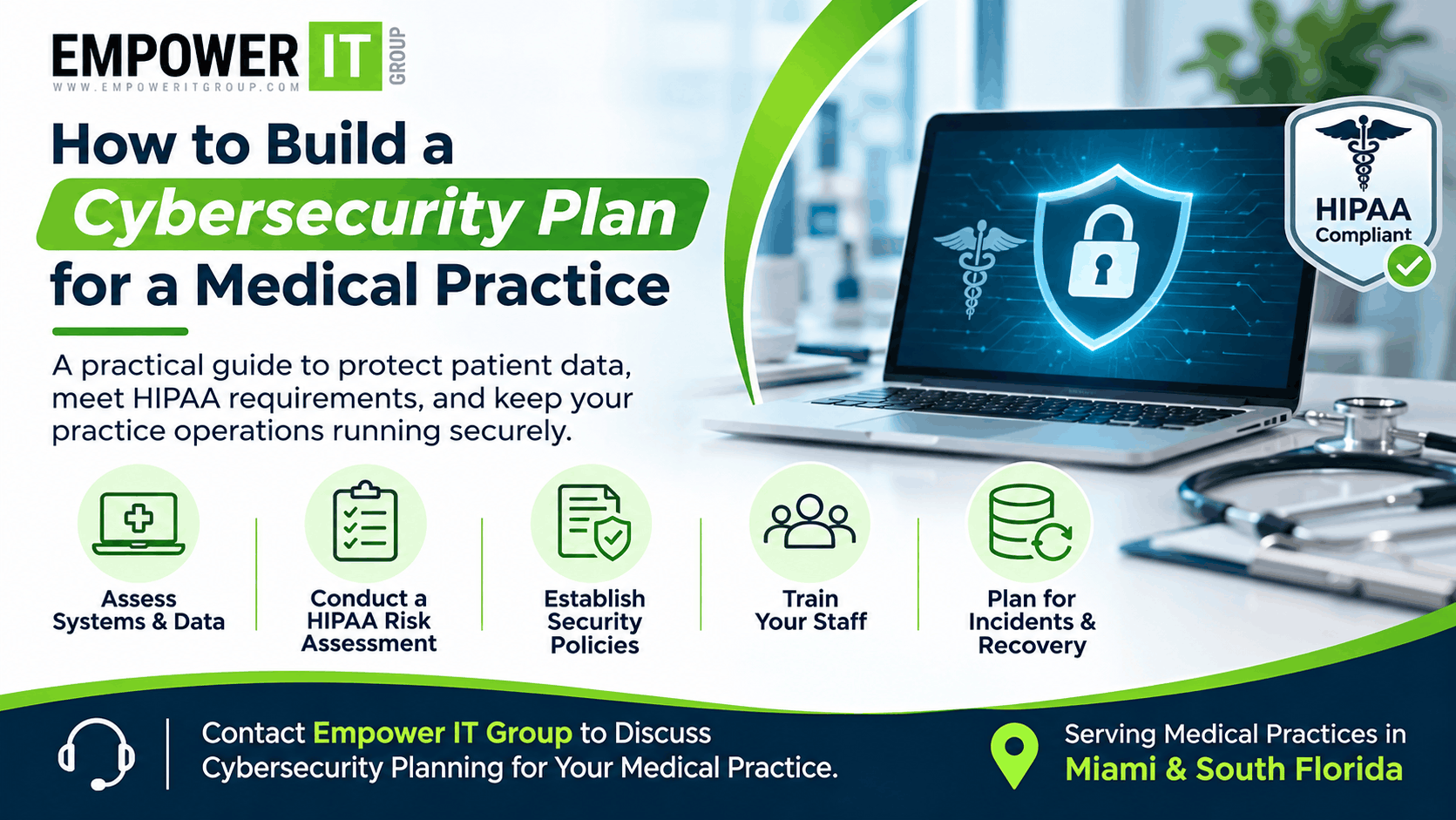
A cybersecurity plan helps a medical practice protect patient information, maintain access to clinical systems, and prepare for security incidents. For practices in Miami and across South Florida, a documented plan is especially important because cyber incidents can disrupt appointments, delay care, and affect the confidentiality and availability of electronic health records (EHRs).
Cybersecurity for medical practices is not just about installing antivirus software or a firewall. It requires a coordinated approach to identifying risks, protecting systems, training staff, responding to incidents, and recovering operations.
This guide explains how to build a practical cybersecurity plan that reflects the needs of a healthcare organisation and supports its HIPAA Security Rule responsibilities.
1. Identify the Systems and Data Your Practice Needs to Protect
Start by documenting the technology your practice uses and the information it stores, processes, or transmits. This inventory helps determine what needs protection and which systems are most important to patient care.
Include:
- EHR and practice management systems
- Patient billing and payment platforms
- Email and messaging systems
- Workstations, laptops, tablets, and mobile devices
- Servers, network equipment, and wireless access points
- Cloud applications and data storage
- Medical devices connected to the network
- Backup systems and remote-access tools
Identify where electronic protected health information (ePHI) is stored and which staff members, vendors, and systems can access it. Include third-party services that handle patient information, such as billing providers, transcription services, and cloud platforms.
Keep the inventory updated when the practice adds systems, changes vendors, or introduces new workflows.
2. Conduct a HIPAA Security Risk Assessment
A risk assessment is a foundational part of a healthcare cybersecurity plan. The HIPAA Security Rule requires covered entities and business associates to conduct an accurate and thorough assessment of potential risks and vulnerabilities to the confidentiality, integrity, and availability of ePHI.
A useful assessment should:
- Identify where ePHI is created, received, maintained, or transmitted.
- Identify threats, such as phishing, ransomware, lost devices, or unauthorised access.
- Identify vulnerabilities, including outdated software, weak passwords, and inadequate access controls.
- Evaluate the likelihood and potential impact of each risk.
- Document existing safeguards and gaps.
- Prioritise corrective actions and assign responsibility.
The assessment should lead to a risk management plan, not simply a report that is filed away. Review it when significant changes occur, such as adopting a new EHR, moving systems to the cloud, or experiencing a security incident. Periodic reviews can also help the practice track changes in its risk environment.
Also Read More – Healthcare Cybersecurity Services in Broward County
3. Establish Clear Security Policies and Responsibilities
A cybersecurity plan needs defined ownership. Assign a person or team to coordinate security activities, maintain documentation, and follow up on identified risks. Smaller practices may rely on an external managed IT provider for technical support, but the practice remains responsible for its own compliance obligations.
Document policies covering:
- Acceptable use of computers, email, and internet access
- Access to patient information and user account management
- Passwords and multifactor authentication
- Mobile devices and remote work
- Data backup and recovery
- Security incident reporting and response
- Staff onboarding, role changes, and termination
- Vendor access and security requirements
Policies should be practical for the size and operations of the practice. Staff need to understand what is expected of them, how to report concerns, and who is responsible for making decisions during an incident.
4. Strengthen Identity and Access Controls
Not every employee needs access to every patient record or system. Apply the principle of least privilege by giving each user only the access required to perform their job.
Important safeguards include:
- Unique user accounts rather than shared credentials
- Role-based access permissions
- Multifactor authentication, especially for email, remote access, and administrative accounts
- Prompt removal of access when employees leave
- Regular review of user permissions
- Strong authentication for privileged accounts
Where supported, configure systems to lock after periods of inactivity and maintain logs of access to sensitive information. Review unusual access patterns and investigate activity that does not match normal workflows.
5. Protect Endpoints, Networks, and Medical Devices
Medical practices often have a mix of office computers, clinical workstations, mobile devices, printers, and connected medical equipment. Each device can create a potential entry point for an attacker.
A layered security approach should include:
Endpoint protection: Use centrally managed endpoint security tools, keep operating systems and applications updated, and restrict unauthorised software installation.
Network security: Use properly configured firewalls, secure wireless networks, and separate network segments where appropriate. Guest Wi-Fi should not provide access to systems containing ePHI.
Patch management: Maintain an inventory of devices and software, prioritise security updates based on risk, and document exceptions when a system cannot be updated promptly.
Medical device considerations: Coordinate updates and security changes with the device manufacturer and clinical team. Some devices may require special maintenance windows or compensating safeguards if they cannot be patched.
6. Secure Email and Reduce Phishing Risk
Phishing remains a common way for attackers to gain access to healthcare systems. A single compromised email account can expose patient information or provide a route to ransomware.
Protect email with appropriate spam and malware filtering, multifactor authentication, and controls against spoofing. Train employees to recognise suspicious links, unexpected attachments, urgent payment requests, and messages asking for credentials.
Training should be ongoing and relevant to the practice’s actual workflows. Staff should know how to report a suspicious message quickly without fear of blame. Reporting early can help the practice contain a threat before it spreads.
7. Create a Reliable Backup and Recovery Strategy
Backups help a medical practice restore systems and data after ransomware, accidental deletion, hardware failure, or another disruptive event. However, having backups is not enough: they must be protected and tested.
A strong strategy should:
- Back up critical systems and data on a defined schedule
- Keep protected or offline copies where appropriate
- Restrict access to backup systems
- Encrypt backups when appropriate
- Monitor backup jobs and investigate failures
- Test restoration procedures regularly
Identify which systems must be restored first to support patient care. Set recovery time and recovery point objectives based on clinical and operational needs, and document how staff will continue working if the EHR or internet connection is unavailable.
8. Prepare an Incident Response Plan
A cybersecurity incident response plan defines what the practice should do when it suspects a breach, ransomware attack, lost device, or unauthorised access.
The plan should identify:
- Who receives incident reports
- Who has authority to make urgent decisions
- How affected systems can be isolated safely
- How to preserve relevant logs and evidence
- How to contact the IT provider, EHR vendor, legal counsel, and other response partners
- How to assess whether ePHI may have been compromised
- How to communicate with staff and patients when appropriate
- How to document the incident and corrective actions
Include a clear reporting process for employees. During an incident, staff should not delete suspicious messages, attempt unauthorised repairs, or communicate sensitive details through unapproved channels.
The practice should also understand applicable breach notification requirements. Whether notification is required, and to whom, depends on the facts and the relevant legal requirements. Consult qualified privacy or legal counsel when evaluating a potential breach.
Read More – How to Prepare Your Miami Healthcare Business for a Cyber Insurance Application
9. Evaluate Vendors and Business Associates
Medical practices depend on external providers for EHRs, billing, cloud hosting, IT support, and other services. These relationships can affect the security of ePHI.
Before engaging a vendor, evaluate its security practices, access requirements, incident reporting process, and ability to support the practice’s recovery needs. Where HIPAA requires it, establish a business associate agreement (BAA) before allowing the vendor to access or handle ePHI.
Review vendor access periodically and remove accounts that are no longer needed. Make sure the practice knows how to contact each vendor during an outage or security incident.
10. Train Staff and Test the Plan
A cybersecurity plan is effective only when staff can follow it. Provide security awareness training during onboarding and at regular intervals. Include practical scenarios such as phishing emails, lost devices, suspicious login prompts, and unexpected requests for patient information.
Test the plan through tabletop exercises and recovery drills. For example, ask staff how they would respond if the EHR became unavailable during clinic hours. Record gaps, assign corrective actions, and update the plan based on what the exercise reveals.
11. Review and Improve the Plan Over Time
Cybersecurity is an ongoing process. Review the plan when the practice changes systems, adds locations, introduces remote access, changes vendors, or experiences an incident. Track whether corrective actions from the risk assessment have been completed.
Useful measures may include:
- Percentage of staff completing security training
- Number of critical systems with current security updates
- Multifactor authentication coverage
- Backup success and restoration test results
- Open risk assessment findings
- Time taken to report and respond to incidents
These measures help practice leaders understand whether security controls are working and where additional attention is needed.
Build a Cybersecurity Plan That Supports Patient Care
A practical cybersecurity plan combines risk assessment, technical safeguards, staff training, vendor oversight, incident response, and recovery planning. The goal is to reduce preventable risks while helping the practice maintain reliable access to the systems needed for patient care.
Empower IT Group supports healthcare organisations in Miami and South Florida with healthcare-focused IT services, cybersecurity support, risk reduction, and business continuity planning. A structured review can help your practice identify gaps, prioritise improvements, and build a security plan aligned with its operational needs.
Contact Empower IT Group to discuss cybersecurity for your medical practice.
Frequently Asked Questions
What should a cybersecurity plan for a medical practice include?
It should include a technology and data inventory, HIPAA Security Rule risk assessment, security policies, access controls, endpoint and network protection, staff training, backups, incident response, vendor oversight, and a process for reviewing and improving safeguards.
Is a cybersecurity risk assessment required for medical practices under HIPAA?
The HIPAA Security Rule requires covered entities and business associates to conduct an accurate and thorough assessment of risks and vulnerabilities to ePHI. The assessment should inform risk management decisions and be updated as the practice’s environment changes.
How often should a medical practice review its cybersecurity plan?
HIPAA does not prescribe one universal annual schedule for every cybersecurity plan review. Practices should review the plan periodically and whenever significant changes or incidents affect their systems, data, or risks. An annual review can be a useful operational practice.
Can a managed IT provider help a medical practice with cybersecurity?
A qualified managed IT provider can help implement and monitor technical safeguards, support risk assessment and remediation, manage updates and backups, and prepare incident response procedures. The practice remains responsible for its own HIPAA obligations.
What is the first step in improving medical practice cybersecurity?
Begin by identifying the systems and locations where ePHI is stored or accessed, then conduct a documented risk assessment. This establishes which risks should be prioritised and which safeguards need improvement.